Float higher
Cloud Hop
Guide a tiny sky traveler from cloud to cloud and keep the perfect landings going.
The game shelf
Every game here is free to play and ready in your browser.
Float higher
Guide a tiny sky traveler from cloud to cloud and keep the perfect landings going.
Tap the moment
Catch bright targets as your comet loops the orbit, then hold on as the tempo climbs.
Take the tiny shot
Read five miniature greens, set your line, and finish the pocket-size course under par.
Fit the shapes
Drag black shapes into place, turn overlapping areas white, and recreate the target pattern.
Build clean lines
Fit block shapes onto a 10 × 10 board, clear full lines, and keep space for the next set.
Remember the flags
Study a growing sequence of flags, then recall it in order for a quick working-memory workout.
Grow the cat count
Click the cat, collect more cats, and spend your growing total on faster upgrades.
Find matching trios
Turn a colorful 3D pile, pick three matching pieces, and clear the board without filling the tray.
Hold the racing line
Steer a speeding ball down an endless slope, dodge gaps and barriers, and chase a longer run.
Grow into the fight
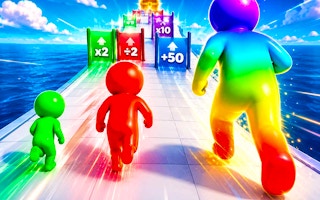
Collect matching-color allies, dodge traps, and reach the ring ready for a giant showdown.
Find the clear path
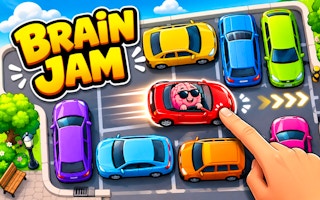
Clear a crowded car puzzle by finding open exit lanes and sending each vehicle out in the right order.
Outlast the horde
Explore a blocky zombie arena, find weapons, and survive with keyboard and mouse controls.
Find the way out
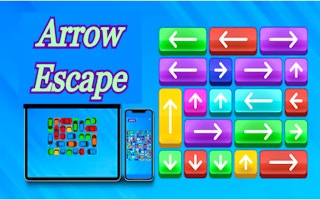
Untangle a colorful arrow puzzle by clearing the paths in the right order.
Build the four suits
Sort a classic solitaire deal by alternating colors and building each suit from Ace to King.
Find the free pair
Clear a layered mahjong solitaire board by matching free tiles and opening the next useful pair.
Read the numbers
Reveal safe squares and use numbered clues to work around hidden mines in a familiar desktop-style puzzle.
Keep the wheels above water
Steer an automatically accelerating car across a collapsing arena, jump over gaps, and try to be the last car standing.
Chess Online Playing
Choose your moves on a classic chessboard, practice against the computer, or share a game with a friend.
Elemental Monsters: Merge
Combine elemental creatures, arrange your army, and prepare for the next battle.
Fast Typing: Word Rush
Type English words before the timer runs out and keep accurate streaks going. A physical keyboard is recommended.
2-3-4 Player Games
Share one keyboard for short competitive minigames with two, three, or four local players.
Time Shooter 3: SWAT
Plan your movement in a slow-motion shooter, avoid incoming shots, and protect hostages.
Geometry Vibes
Guide a moving arrow through spike-lined passages by balancing short rises and controlled descents.
DesignVille: Merge & Design
Merge tools and materials, fill client orders, and work on a growing collection of interior design projects.
Shatter
Break the required targets before time expires, then prepare your equipment for the next arcade challenge.
Screw Out Puzzle
Remove colored bolts into matching boxes while keeping temporary storage clear.
Super Nitro Racing 3
Steer an automatically accelerating car around top-down circuits, manage damage, and save nitro for a clear line.
BallBlastPals
Aim colorful balls at matching groups and connect three or more to clear the board.
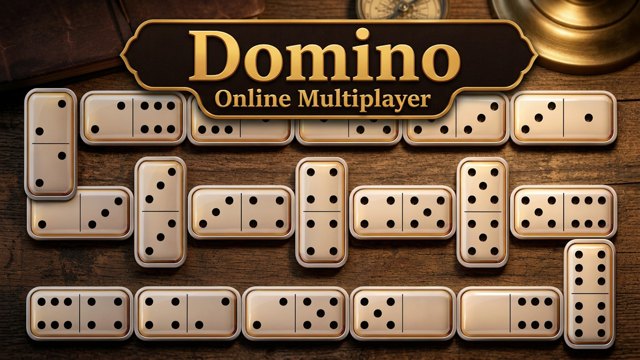
Domino Online Multiplayer
Match dotted tiles at either end of the chain and practice against computer opponents.
Fruit Pairs Zombieland
Collect three identical fruit tiles, keep space in your tray, and clear zombie threats.
ChillPaths
Slide frozen blocks out of the way and open a route for a little boat.
Infini Golf
Launch a golf ball between raised platforms, adjust angle and power, and keep it out of the water.
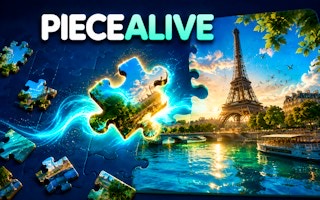
Remember the scene
Study a moving scene, then drag the scattered puzzle pieces back into the picture.
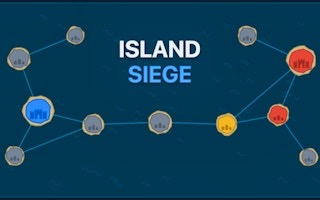
Plan your next island
Send troops along connected routes and turn neighboring islands into a stronger position.
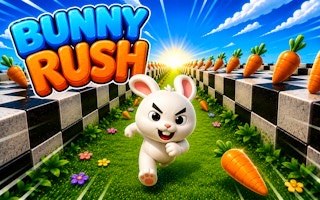
Hop through the course
Steer a running rabbit past blocks, gaps, and bombs while collecting carrots along the route.
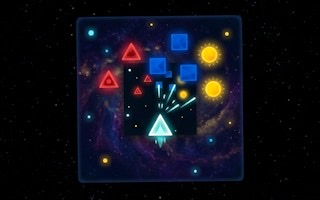
Keep the ship clear
Move a glowing ship through incoming enemies while its automatic shots clear a path.
Build the silhouette
Move and rotate separate shapes to reconstruct a vehicle inside its outline.
Build the next ball
Drop matching sports balls together, grow larger balls, and keep the pile below the danger line.
Catch the next snack
Guide a hungry cat toward food, collect useful bonuses, and dodge dangerous objects along the scrolling route.
Clear the clutter
Drag scattered objects into their matching boxes, uncover hidden pieces, and complete each sorting order.
Connect the colors
Drag through neighboring same-color nodes, close loops, and reach the target before time runs out.
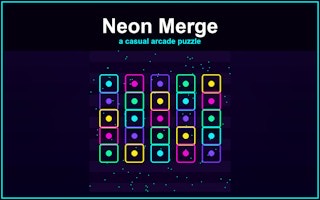
Fuse the next tier
Merge matching neon crystals, keep space for new arrivals, and build quick chains before the two-minute timer ends.
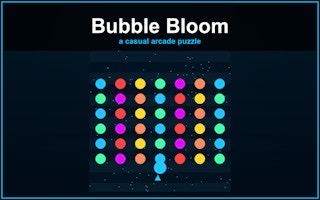
Aim for a color match
Aim bubbles toward matching groups, pop three or more of one color, and meet the target before the ceiling descends.
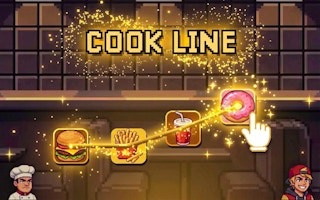
Serve in one stroke
Draw through ingredients to complete timed orders, chain several tickets, and build a double-coin Rush.
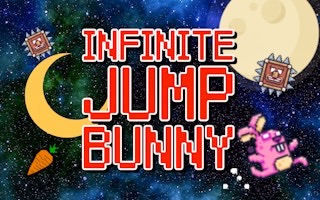
Hop toward the moon
Jump a bunny left and right through a vertical climb, avoid spikes and fireballs, and collect protective items.
Rotate the shadow
Rotate a 3D shape until its shadow fits the target opening before time runs out.
Match the elements
Swap neighboring elemental tiles to form lines of three and reach the target before moves run out.
Collect, sell, upgrade
Sweep scrap into a magnet, unload at the SELL depot, and spend virtual cash on useful upgrades.
Read the room
Explore a quiet 3D town, collect clues, and connect objects and paper patterns to solve room puzzles.
Find an escape route
Steer through neon space, dodge incoming threats, and use a ready dash to keep your ship alive.
Aim, shoot, merge
Shoot numbered cubes into matching values and keep the launcher clear as larger cubes form.
Build a clear line
Place block shapes on an eight-by-eight board, clear full lines, and plan space for the next pieces.
Drop, collide, evolve
Drop matching planets together, grow larger worlds, and keep the rising pile below the danger line.
Dig, sell, explore
Drill underground, collect unusual finds, sell your cargo, and plan upgrades for a deeper expedition.
Move, fire, reload
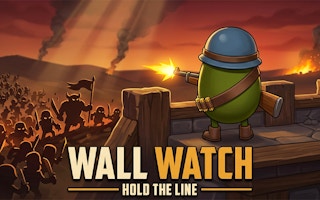
Face advancing ancient armies with modern weapons while moving clear of enemies and managing ammunition.
Program every robot
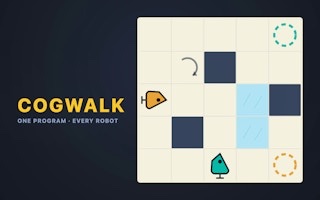
Build one command strip for a crew of robots and use walls to synchronize their routes.
Tap, upgrade, automate
Press the button for cash, improve tap value, and hire hands that keep earning automatically.
Drop and combine cats
Drop matching cats together, grow larger cats, and keep the cat house from overflowing.
Clear your side of the ice
Move the penguin into bowling balls, send them across the ice, and finish with the cleaner side.
Rotate the complete network
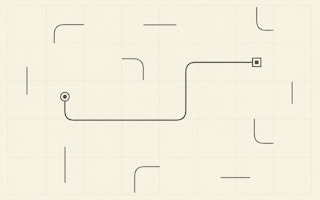
Rotate line tiles, connect the square and circle endpoints, and finish every required branch.
Remember the hidden symbol
Study a small set of symbols, then find the requested one after the cards turn over.
Build before the horde arrives
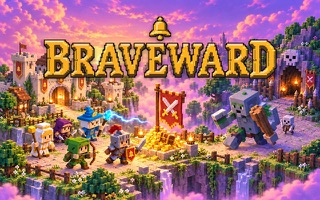
Raise guilds, hire heroes, and prepare a compact kingdom to survive the night.
Swap sweets and reach the goal
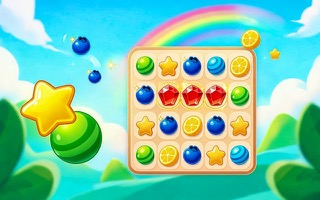
Swap adjacent candies, build matches, and complete each score and collection target within the move limit.
Light every street
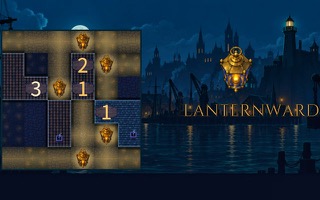
Place lanterns so every street is lit while roof clues and sight-line rules remain satisfied.
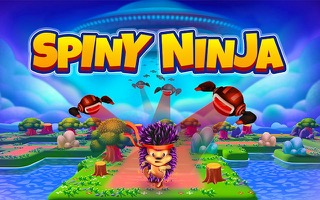
Swipe between tiny islands
Swipe in four directions to guide a spiny runner across islands, collect coins, and avoid obstacles.
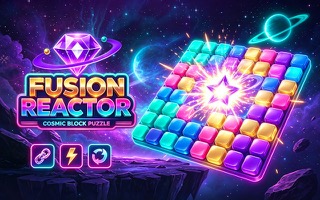
Place blocks and build energy
Drag colored shapes onto a cosmic grid, complete lines, and keep enough room for every new set.
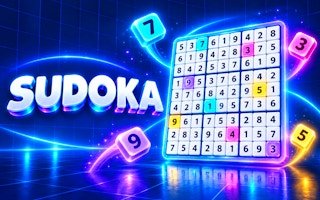
Solve the neon grid
Fill every row, column and 3×3 box with digits 1–9; use notes, undo and hints to work through chapter puzzles.
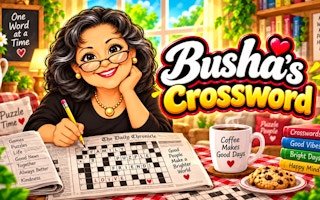
Fill the cozy crossword
Select a square, read its across or down clue, and type a short answer into the connected grid.
Unscramble the market list
Read each picture clue and tap scrambled letters in order before the market timer runs down.
Clear the path to the nest
Pop supporting blocks in a safe order so the sheep lands in the hay nest below.
Charge and aim each jump
Drag upward to charge the fish’s jump, adjust sideways aim, then release toward the next pool.
Aim a dragon at the fort
Launch dragons into troll fort supports and watch how each structure falls.
Build a compact island
Place small buildings on an island and plan adjacency before the short round ends.
Sort the exposed nuts
Move only accessible top nuts between bolts and group matching colors.
Drop and combine orbs
Choose where each orb lands and keep room for matching pairs to combine.
Weave through falling shapes
Steer a small square through descending obstacles and try to keep the run alive.
Redirect the beam
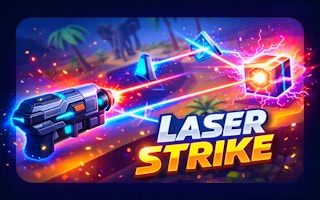
Aim a laser through the scene, turn its path with reflectors, and find the target.
Build three matching shadows
Add blocks at different heights until front, side, and top shadows match the target using the exact block count.
Remember every feature
Study a face for a few seconds, then select matching hair, eyes, and other features from close alternatives.
Protect the ship
Aim the ship defenses at incoming aircraft and keep the safety bar from running out.
Shift the elemental grid
Place elemental tiles, change gravity, and use reactions to reach each trial score before moves run out.
Plan each warden move
Lead three wardens through tactical encounters by reading enemy intent before moving.
Guard the Heart Tree
Place forest towers before the wave and watch which lane the enemies take.
Make every swap count
Swap adjacent gems to make groups of three and reach the score target with limited moves.
Bend a shot past the wall
Aim a free kick, strike with Space, and score before defenders close the shooting lane.
Expand one tile at a time
Start a territory, reserve troops, then attack adjacent open land in a practice battle.
Count every bridge
Connect numbered islands with one or two bridges, satisfy each count, and link the whole network.
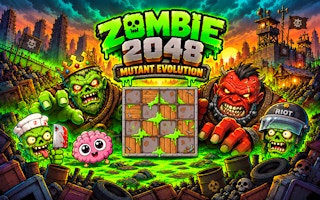
Slide and evolve
Slide mutant tiles across a 4×4 board, merge equal values, and protect space for the next spawn.
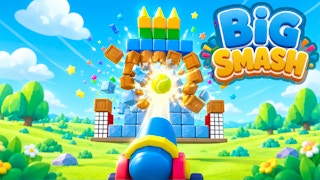
Topple the stack
Aim limited tennis balls at a stack of blocks and use each impact to clear the target structure.
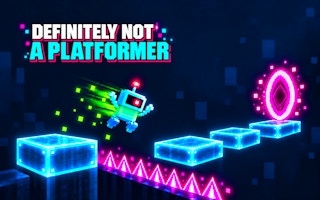
Question the platform
Move and jump through a trick platform stage while testing what each ledge and sign really does.
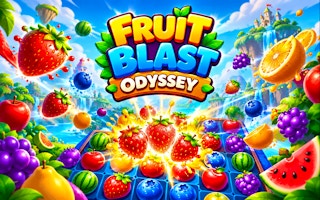
Match the objective
Swap adjacent fruit to clear groups of three, collect the requested fruit, and budget every move.
Reach the correct pushing side
Push boxes onto targets and plan around rooms inside shells.
Mine one block at a time
Tap rocks, earn coins, and compare pick and crew upgrades.
Build a stable merge board
Slide matching buildings together and grow your kingdom while preserving space.
Remember the vehicle positions
Flip vehicle cards and use remembered locations to find matching pairs.
Bring your discoveries home
Explore adjacent mine tiles, manage energy and backpack space, and return to camp.
Choose your next impact
Aim meteors, spin a populated planet, and deepen craters toward its core.
Complete the next triple
Collect three matching animal tiles and keep room in the seven-slot tray.
Line up the next block
Drag the tank across the road and aim its firing stream at numbered blocks.
Build beyond the bunker
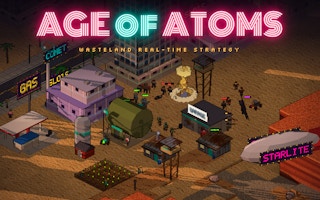
Command settlers, gather resources, and defend a wasteland base before advancing.
Keep track of your story
Choose dialogue in three fictional crime cases and compare your claims with the event recap.
Move the blocking cars
Slide a blocking vehicle to make room for the red car to leave the crowded lot.
Claim the next box
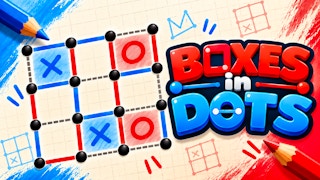
Draw a line between neighboring dots and work toward completing squares against the bot.
Guide the light beam
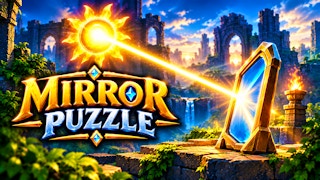
Place a powder keg during the castle tutorial, then use the visible mirror tool to redirect light.
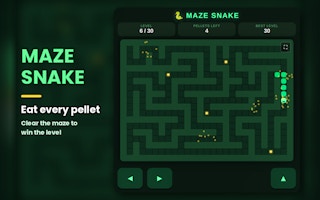
Step through the maze
Command each snake step toward the pellets while avoiding the walls and your own tail.
Build the first defense
Spend the opening 100 gold on a Rifle Post, then reposition it between defensive pads.
Roll, read, attack
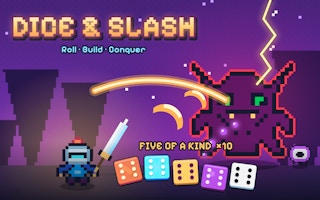
Use a visible five-die hand to attack a chapter enemy, then choose a skill after the win.
Fill the next order
Select matching ingredients from a moving belt and watch the order shift into cooking.
Read the row and box
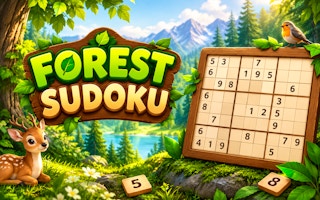
Fill a nine-by-nine Sudoku grid by checking the row, column, and three-by-three box.
Pick the counter element
Choose Fire, Water, or Earth against the bot using the visible circular advantage rules.
Preview and confirm a look
Choose a character, change an eye or hair option, and confirm to continue designing.
Bounce a shot through the board
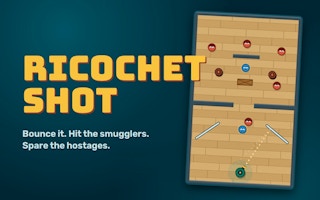
Aim a limited shot at red targets while keeping the blue hostages safe.
Build stronger defenses
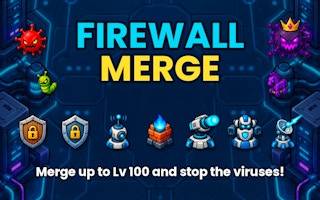
Buy a basic defense with in-game silver and merge equal shields during the incoming wave.
Combine matching beast cards
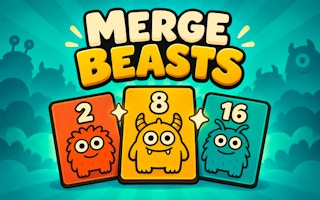
Move equal-number beast cards together and watch the board create higher values.
Choose the landing plan
Read the situation report, choose a strategic priority, and inspect the consequences.
Send troops between cities
Select a gold city, choose how many troops to send, and attack a neighboring purple city.
Match fireflies by color
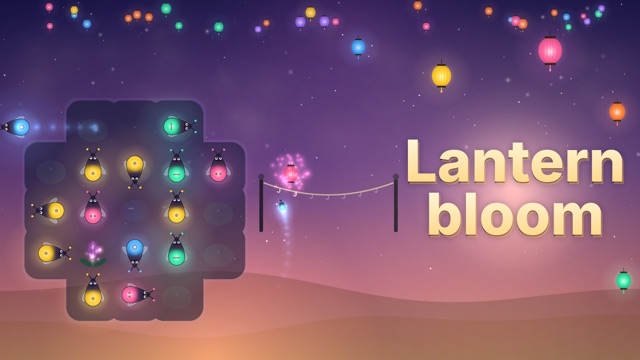
Send matching fireflies to the string and light lanterns in a calm color puzzle.
Read the numbered clues
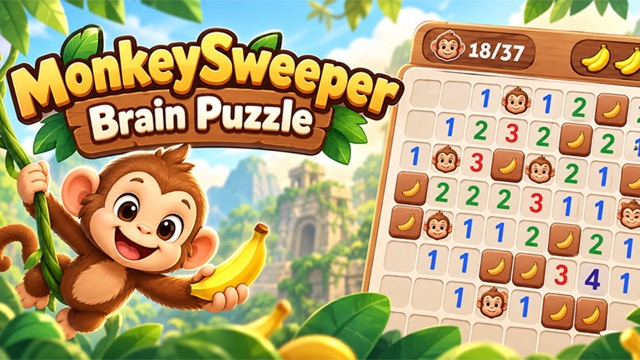
Reveal tiles, use neighboring numbers, and find monkeys hidden under banana blocks.
Clear the sea-star goal
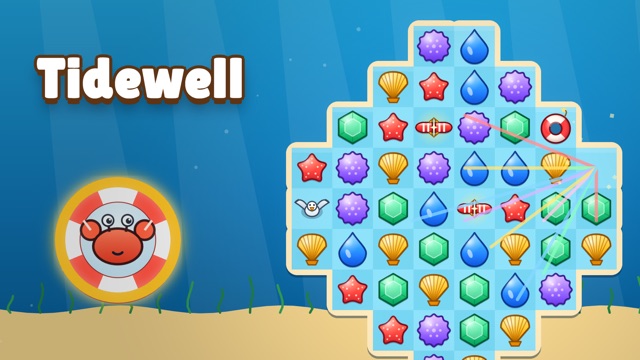
Swap neighboring sea treasures to match three and reduce the starfish target before moves run out.
Move, aim, and fire
Deploy into a side-scrolling mission, move with the keyboard, and shoot through obstacles.
Steer between the gates
Guide a snowboarder downhill with A and D or arrow keys while tracking course progress.
Solve crossing equations
Choose numbers from the bank and fill a grid of intersecting arithmetic equations.
Place a robot in the scene
Pick an unlocked character from the palette and add it to a physics sandbox.
Push toward the ball
Hold and release a direction to send a ragdoll player across the football pitch.
Steal and carry loot home
Ride from your base to the arena, steal a collectible, then follow the route back.
Aim, drop, collect
Position a claw over pastel plushies, press GRAB and try to carry a prize to the chute.
Slide holes to sort colors
Drag matching holes through colored balls and clear each compact puzzle board.
Aim a marble, beat a monster
Send marbles through a peg board, watch the battle, and choose a reward after a win.
Steer, grow, and clash
Guide a food squad through split gates and hazards before it meets another team.
Pull, release, adjust
Draw an arrow back toward a vase and use each miss to improve the next throw.
Aim a rocket across the island
Pull back a shot, launch a rocket, and read the damage and changed ground after impact.
Leap up the bamboo shaft
Tap, click, or press Space to jump between bamboo walls and track the height you reach.
Read the next enemy action
Choose a card, confirm its target, and save energy for protection before the enemy acts.
Put your first axe to work
Spin at the roulette, buy the displayed axe, then put it on a stump and watch the wood count rise.
Match before you move
Drag matching pieces into gray targets, build a producer, and spend energy on the items your order needs.
Aim for a matching number
Aim your numbered ball toward a matching partner and watch the pair combine into the next tier.
Collect, return, make honey
Play Bee Swarm by GGames: collect pollen, follow FLY HOME to the glowing hive, and make honey.
Choose a card and a lane
Play ETH Games’ robot card battle: drag an affordable card onto your half and watch the robot advance toward a bridge.
Preview a graduation look
Style a graduation look in Fabbox Studios’ browser game: choose a friend, preview clothes and earrings, then confirm.
Aim, prepare, launch
Drag the planet to aim, press LAUNCH, then learn the opening fuel and ammo sliders.
Break rock, read the route
Enter the mine, move into rock to drill, and keep the O2 meter and entrance in your route plan.
Focus, accelerate, steer
Drive AxesInMotion’s formula car: click inside the cockpit, hold W, and follow Career’s timed checkpoints.
Line up the squad
Drag the squad along the bridge, line up automatic fire with barrels, and read soldier gates.
Paint a route across rooftops
Move through rooftop corridors, turn grey tiles blue, and clear enemies along the connected path.
Match three identical tiles
Collect three matching designs in the tray, clear the opening board, and watch the countdown.
Swim, feed, survive
Steer a small shark with WASD, eat smaller prey, and leave room to escape larger fish.
Fit a soft block
Drag the green bar into Level 1’s opening, release it, and let the jelly pieces settle.
Recruit your first soldier
Move with WASD, stand behind the orange recruitment desk, and follow the next training-room objective.
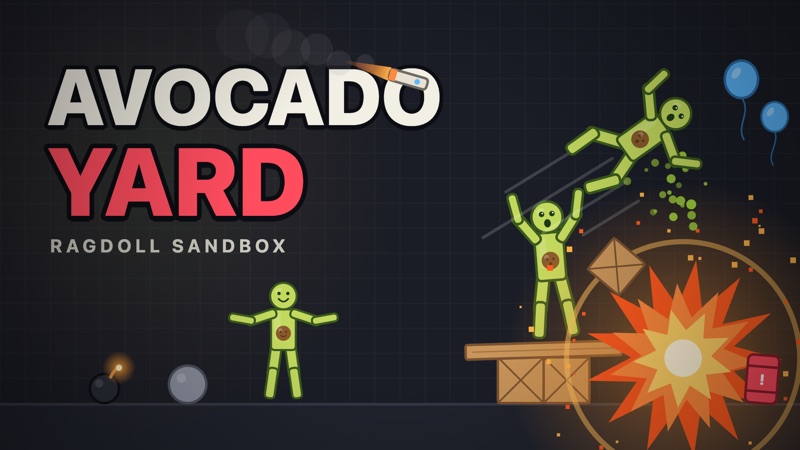
Place a toy, then grab it
Select Avocado, click the yard to place a ragdoll, then use Grab to move and throw its flexible body.
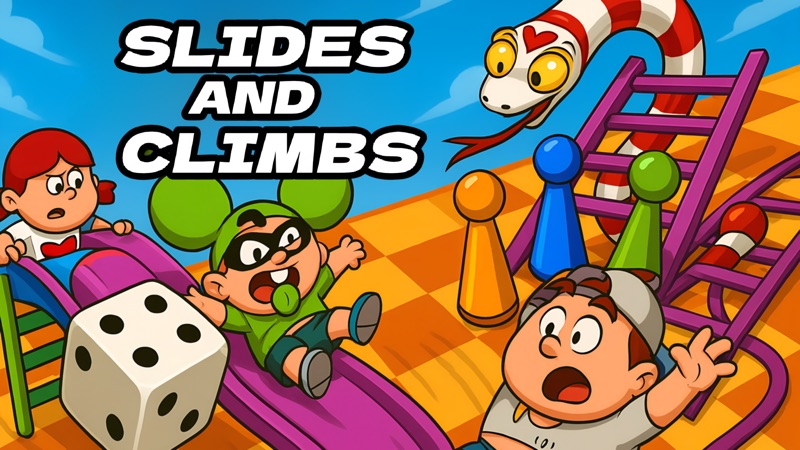
Roll, climb, slide
Choose your color, roll the dice, and follow a Classic board against AI or local players.
Care for your puppy
Drag kitchen food to Dogy, watch the food indicator, and explore the care rooms at your own pace.
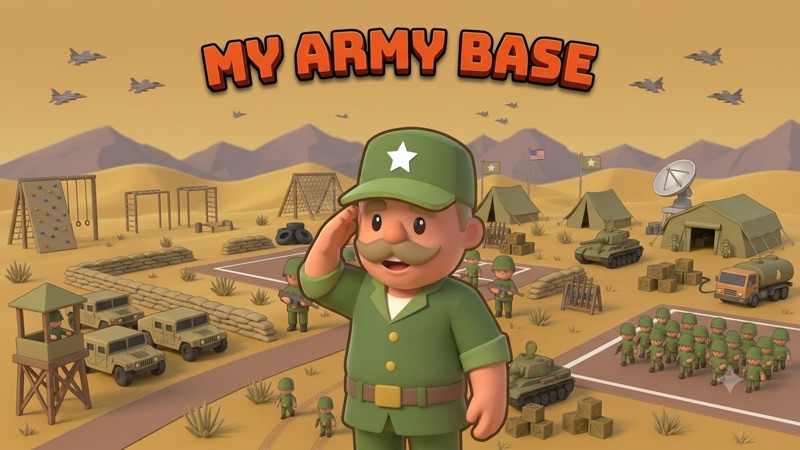
Select a base and send troops
Enter the desert campaign, select your green base, and send a group toward a connected target.
This browser game directory brings together the games currently available on Airy Arcade. Each card opens a dedicated play page with controls, a guide, and related choices. Use the shelf when you already have a rough idea of the experience you want: continuous movement, a deliberate puzzle, a memory challenge, or a small course to finish. The descriptions below compare the decisions you make in each game rather than treating every colorful card as the same kind of quick entertainment.
Search works with game titles and tags. If you remember part of a name, enter that instead of a long question. The Quick, One hand, and Relaxed buttons narrow the visible cards by their assigned tags; the search term and selected filter work together. If a title seems to be missing, choose All games and clear the search. Show every game in the empty state also resets both choices, so you can return to the complete shelf without leaving this page.
Choose Cloud Hop for an automatic bouncing challenge where your main job is steering. There is no separate jump command to learn. You look for a reachable cloud, move toward it during the bounce, and ease off before passing it. It is a good match for someone who likes short personal-record attempts and learning the feel of movement. Choose another game if you want time to study a static board between every decision; the climb keeps asking you to read the next landing.
Orbit Pop asks when you should act rather than where you should aim. Click inside the game, tap, or press Space when the comet overlaps the target. Three lives give a run a clear ending, and early or late feedback helps you adjust. Pick this when you want a compact reaction challenge without dragging pieces or steering a route. The target changes after a hit, so success comes from reading each new approach rather than tapping repeatedly at a fixed rhythm.
Pocket Putt gives you a complete course rather than an endless survival goal. Drag backward from the ball to aim and set power, release, and watch where the shot settles. Walls and narrow passages make the stopping position important, while visible sticker choices change the feel of later holes. Pick it when you want to compare routes and improve a completed total. A setup shot can be worthwhile, so the shortest-looking line is not always the simplest way to finish a green.
Geometry Overlap suits players who enjoy looking closely at edges, alignment, and negative space. You drag black geometric shapes, and areas where they overlap turn white. The task is to recreate the complete target pattern, so both the outer silhouette and the interior spaces matter. Choose it if moving one piece and comparing the result sounds satisfying. Unlike a block-fitting board, the important question is not simply whether a piece occupies free space, but how its position changes the combined image.
TenTrix is a grid puzzle in which you place offered shapes and clear complete rows or columns. The board rewards looking beyond the next piece: a placement that fits now may create an awkward pocket later. It has no time limit, so you can compare options before committing. Choose it when you want deliberate spatial planning rather than a reaction test. Fixed piece orientation is part of the challenge; preserving useful open shapes matters more than trying to fill every small gap immediately.
Kobadoo Flags combines flag recognition with sequence memory. Watch the flags presented and reproduce their order when asked. A familiar design can still be difficult if you remember that it appeared but forget its position in the sequence. Pick this when you want a recall task instead of managing a moving character or arranging a board. The guide suggests ways to describe visual differences and group a sequence, without giving an answer sheet or promising a measured improvement in memory.
Cat Clicker offers a different kind of decision: click the cat to increase your in-game total, then compare the available upgrades. The visible Click Power and Cats per second values help distinguish stronger individual clicks from ongoing production while playing. Choose it if you prefer watching a total develop and considering the next purchase over dodging obstacles. Do not choose it on the assumption that offline earnings or a shared account will preserve everything; check the game’s own information about progress before relying on it.
Prism Match 3D asks you to find three matching pieces in a three-dimensional pile. Rotate or zoom to inspect it, select exposed pieces, and watch the limited tray space. It is a useful alternative to TenTrix when you want visual searching and viewpoint changes rather than fitting shapes into a flat grid. A tempting single piece can occupy space while its matches remain hidden, so plan a triple before adding several unrelated pieces. Optional recovery tools can involve advertisements; check their prompts before using them.
Slope Racing 3D automatically rolls the ball down the course while you steer around obstacles and keep it on the track. Choose it for continuous forward movement and quick route corrections. A clear view of the track matters, particularly on a phone, where landscape can give you more room to read the approach. Compared with Cloud Hop, you are managing a rolling line instead of waiting for the next bounce and landing. If large steering corrections keep ending a run, try preparing the turn earlier.
If two cards appeal to you, compare their input and endpoint. Geometry Overlap and TenTrix both involve shapes, but one matches a picture and the other manages remaining board space. Orbit Pop and Slope Racing 3D both ask for fast attention, but one uses a single timed action and the other uses held steering. Pocket Putt has a fixed course total to finish, while Cloud Hop invites another attempt at a higher climb. These differences are more useful than treating every puzzle or skill tag as a promise of the same experience.
Use the tags as browsing shortcuts, not difficulty ratings or guarantees that a game will fit every device. A one-input game can still be demanding, and a relaxed puzzle can still require careful decisions. Open the guide if you need a clearer picture of its controls or goal. The related games on each detail page offer another route through the collection, but returning here lets you compare the whole shelf and reset any filters you were using.
Airy Arcade originals and games provided by GamePix share a place on the shelf, but they do not share every feature. The detail page identifies who provides the game and whether an external player will load. GamePix games start loading after Play and may show ads or privacy choices. Read those prompts directly, and use Reload or Close if the player does not load correctly. You can always return to this directory to select a different game; there is no need to create an Airy Arcade account to browse or begin playing.
Decide whether you want one completed course, one puzzle attempt, or a few short runs. This makes the choice between a fixed endpoint and an open-ended score chase clearer. For example, Pocket Putt gives you five holes to complete, whereas a clicker may invite you to keep pursuing another upgrade. For any hosted game, check its own pause or exit choices before stepping away. A label such as Quick describes the intended browsing mood, not a timer that will end every session for you or a promise that your progress will be waiting later.