Grow into the fight
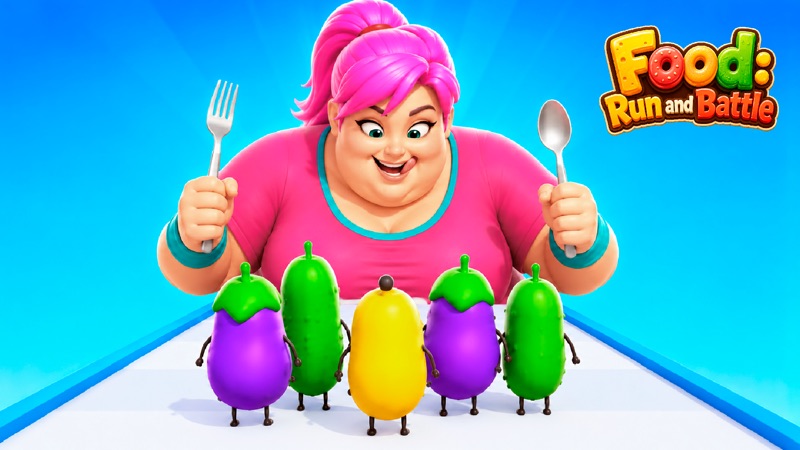
Size Up: Giant Fighter Game
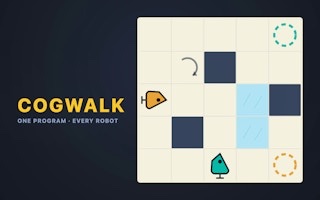
Collect matching-color allies, dodge traps, and reach the ring ready for a giant showdown.
Ready when you are
A growing shelf of tiny worlds. No download or account.
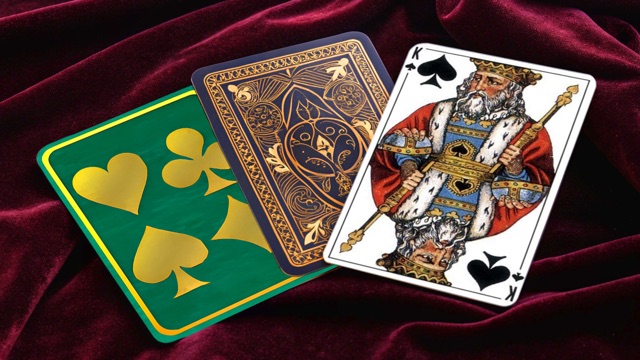
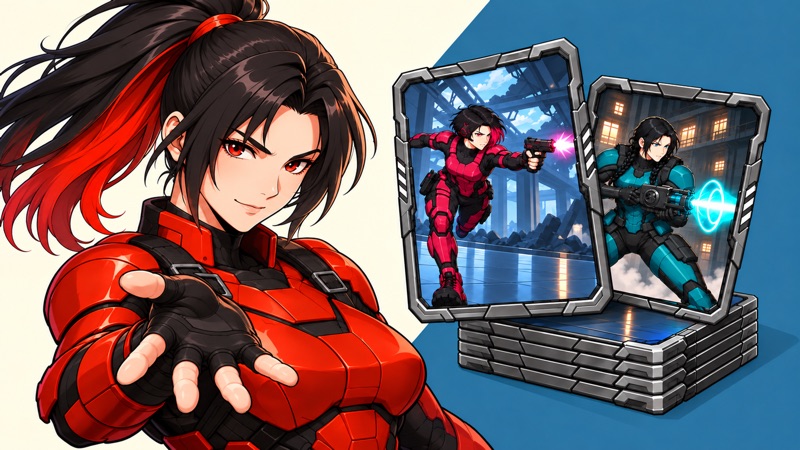
Build the four suits
Click or drag cards; tap on touchscreens
Play loads a game hosted by Playgama that may show ads and use cookies.
Provided by Playgama. Ads and cookies may load only after you press Play. Read the Playgama Privacy and Cookie Policy.
Build foundations from Ace to King in the same suit.
Small games, bright breaks
Airy Arcade is a growing shelf of browser games for quick breaks. Choose a game, learn the controls in a glance, and jump back in whenever you have a few minutes.
Browse every gameAiry Arcade brings small browser games together so you can spend a break playing instead of installing something. You can start Klondike Classic Solitaire directly on this page or open the game shelf to choose a different pace. The collection includes quick timing challenges, visual puzzles, a flag memory game, a clicker, and a five-hole mini golf course. Each game page puts the player before its longer guide, so you can try the controls first and read more when a question comes up.
A short break does not always call for the fastest game. If you want a quick burst of attention, choose a score chase that ends naturally after a mistake. If you want to think through one decision at a time, choose a puzzle where positioning matters more than reflexes. If you would prefer a clear finish, Pocket Putt offers a complete five-hole course. Start with the kind of action you feel like doing, then use the individual game page to check its controls.
For movement, try Cloud Hop. The traveler bounces without a jump button, leaving you to steer between clouds and judge the next landing. It suits a break when you want continuous action with a small set of controls. Slope Racing 3D also keeps moving for you, but asks you to steer a rolling ball along a track with gaps and obstacles. Choose between them by whether you prefer landing on platforms or holding a safe line through a course.
For timing, Orbit Pop reduces the action to a single input. Watch the comet approach the target and tap at the moment of overlap. It is a useful starting point when you do not want to learn several buttons, though a simple input does not make every attempt easy. The important decision is when to act. Missing gives you early or late feedback, which helps you decide what to change on the next attempt.
For a visual puzzle, compare TenTrix and Geometry Overlap. TenTrix asks you to fit blocks onto a grid while preserving useful space for later pieces. Geometry Overlap asks you to move shapes until their black edges and white overlaps reproduce a target. One is about building and clearing a board over time; the other is about seeing how a small change in position changes a picture. Neither requires learning a long set of keyboard commands.
Check the short controls line before pressing Start or Play. Some games use held steering, some need a drag, and others use one tap at a time. On a phone, those differences matter: a game that needs a sustained press feels different from one where you lift your finger after every action. On a computer, a keyboard can keep your hand away from a moving target, while a mouse can make it easier to position a shape precisely.
A portrait screen can show the page comfortably while still giving a wide game less room. Use the orientation guidance on the game page and try landscape when the track or course feels cramped. Fullscreen can give the game more visible space where your browser supports it. Do this before a difficult attempt rather than changing the view halfway through a shot or a landing. If a game feels awkward on your current device, choose a different control style from the shelf.
Use the opening moments to learn one thing. In Cloud Hop, test a short steering hold and watch how far the traveler moves. In Pocket Putt, try a gentle pull and see where the ball stops. In a shape puzzle, move one piece and notice which edges change. Starting with a small action gives you a clear connection between your input and its result; trying to solve everything immediately makes it harder to tell what happened.
After a mistake, identify its type before restarting. Did you act too early, hold a direction too long, overlook an obstacle, or fill a space you needed later? The answer suggests a specific adjustment. The game guides below each player cover these decisions with examples and practice ideas. You can jump straight to controls or tips, try one change, and return to the player without reading the whole guide in order.
You do not need an Airy Arcade account to play. For our original games, the best completed result is kept in the browser you used: highest climb in Cloud Hop, best score in Orbit Pop, and lowest completed course total in Pocket Putt. This is a personal record on that browser, not a public leaderboard. Playing on another device does not bring the record with you, and clearing saved site data can remove it.
An active run in those games is not saved for your next visit. Use Pause for a short interruption while keeping the page open, and finish a run if you want its completed result compared with your best. Restart begins again rather than continuing the previous attempt. Games provided by GamePix may handle progress differently, so check what the game itself tells you instead of assuming that every game on the shelf shares one save system.
The games on this shelf are free to start, and Airy Arcade does not ask you to buy credits or create a player account. Some are made by Airy Arcade; others are provided through GamePix. The game page identifies that distinction before you press Play. A GamePix game may show advertisements or its own privacy choices, and some optional in-game tools may ask you to watch an advertisement. Read that choice before accepting it.
Opening a GamePix game page does not start its external player automatically. Press Play when you are ready to load it. If it remains blank, use Reload for a fresh loading attempt, or Close to leave that player and choose another game. A slow or failed load is not a reason to keep pressing unrelated buttons. The page includes the provider privacy link so you can inspect how that game experience handles cookies before starting.
A replay is most useful when you have a small idea to test. Try releasing steering sooner, leaving a wider opening on a puzzle board, or taking a safer setup shot on a green. A personal best can be a satisfying result, but it does not have to be the goal of every visit. You can use one round to understand a control and another to see whether a different decision makes the game feel more manageable.
If you want a different kind of challenge, change the task rather than just the title. Move from a reflex game to Kobadoo Flags for remembering a sequence, or from flat shapes to Prism Match 3D for rotating a pile and looking for matches. Cat Clicker offers a click-and-upgrade loop when you prefer watching an in-game total grow. The shelf descriptions and individual guides explain these differences so you can choose deliberately instead of opening games at random.
You can start with a visual puzzle if you are playing somewhere you need to stay quiet. Matching shapes, checking a grid, and recalling flag order give you a visible task to follow. Our original games also have a sound toggle, so you can use their visible motion and feedback with sound off. Check the player controls before beginning and set a comfortable volume for any hosted game. If you are switching between games, check again rather than assuming that one game’s audio choice controls every other player on the site.